Neptune DXP Documentation
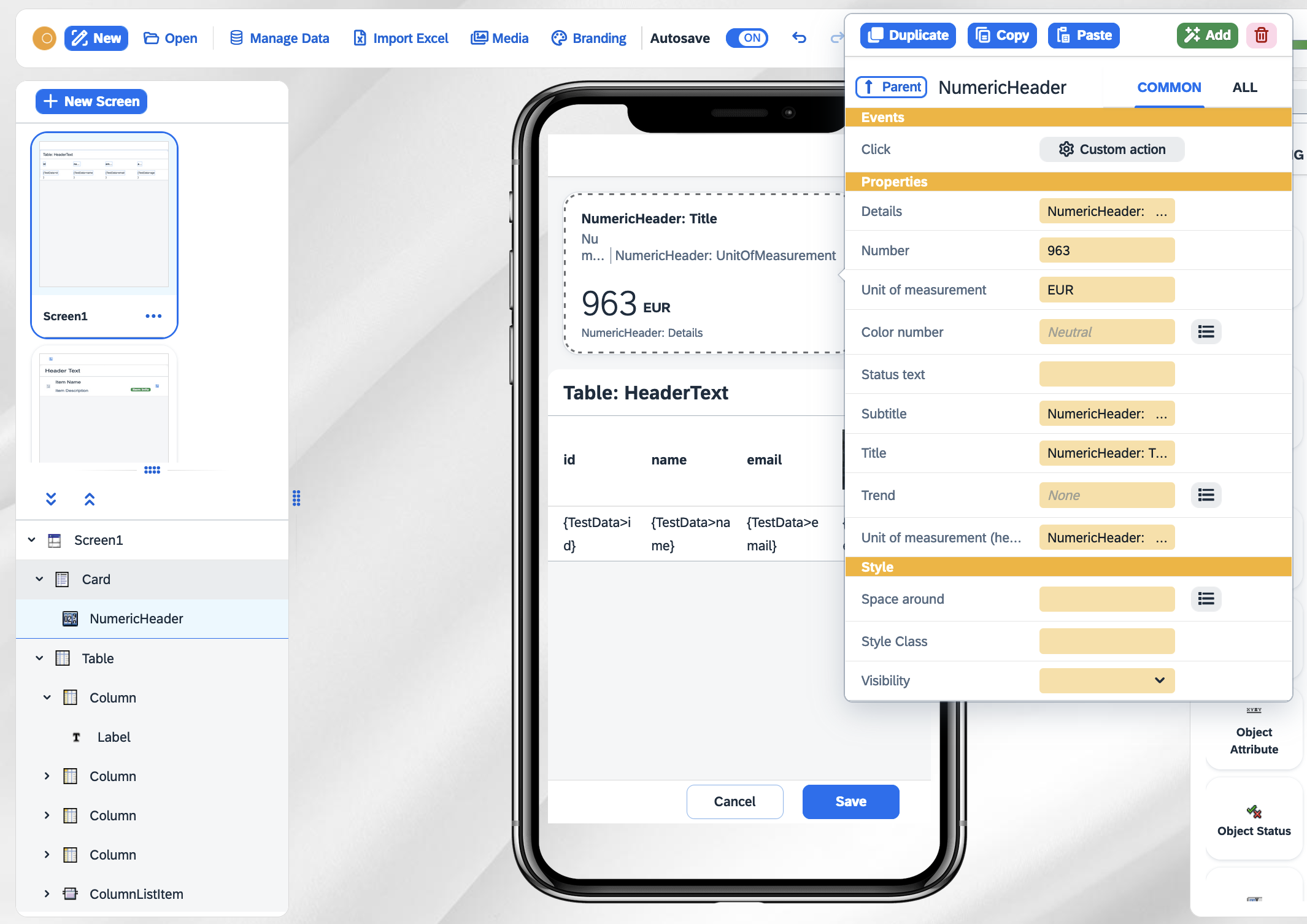
Application Tree
Adding a new screen
Select New Screen to add one of the following four options:
- New Blank Screen
-
Adds a new empty screen to your application
- New Screen From Template
-
Opens a selection of pre-made screens for you to easily add to your application.
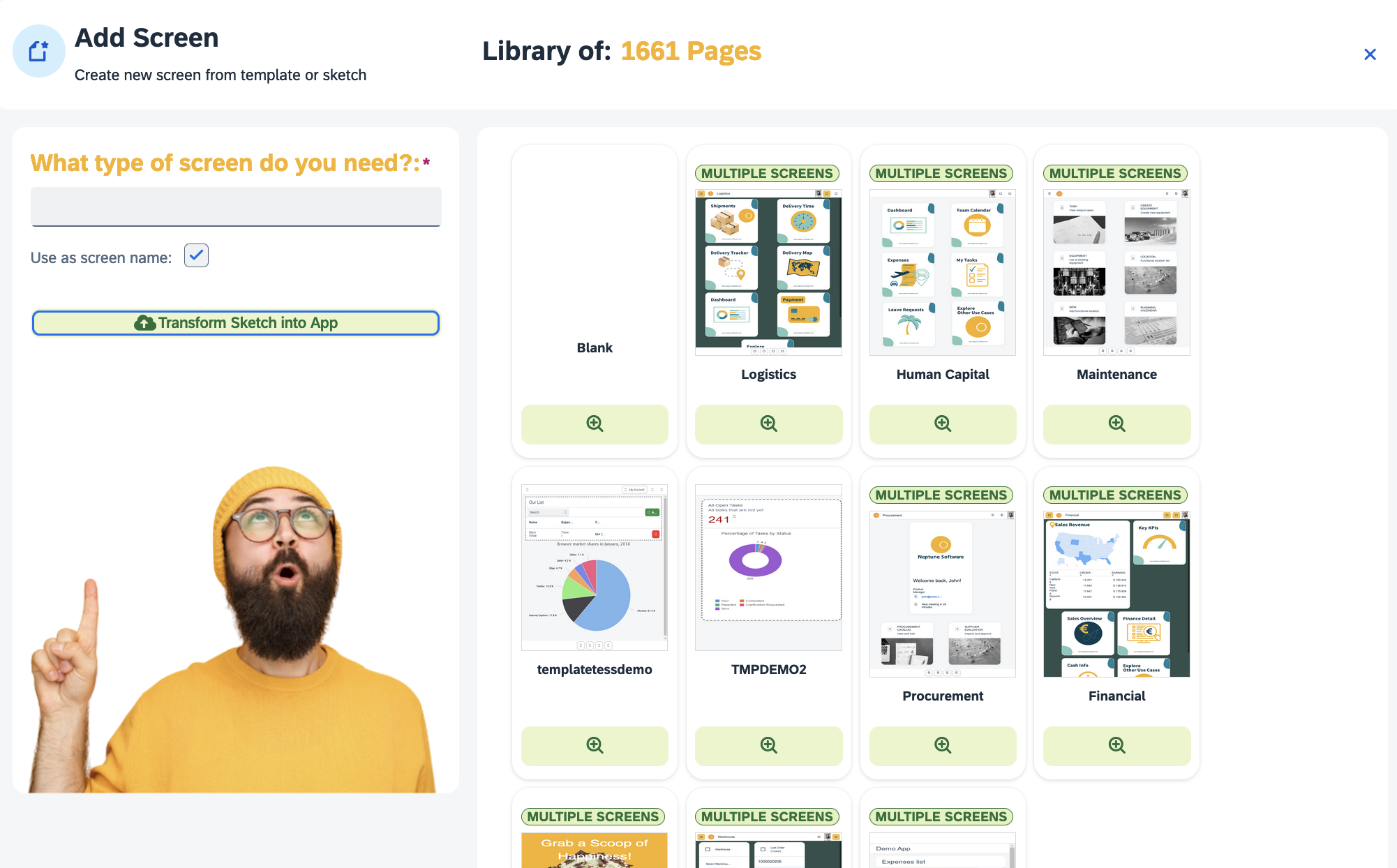
- New Screen From Data
-
Creates a new screen with a list or table layout using existing data.
- New Screen From Sketch
-
Creates a new screen using computer vision based on a sketch you provide.
Components
You can expand and collapse components in the application tree to navigate the structure of your application. Additionally, you can right-click to add extra components. When you select a component in the application tree, you can view its properties in the properties dialog, allowing you to modify and customize its attributes as needed.