Open an existing project

Script Editor works with projects. A project serves as a wrapper file that contains one or more scripts on a specific topic.
Prerequisites

  • There are no prerequisites.

Procedure

  1. In the Cockpit, go to Development and select Script Editor.

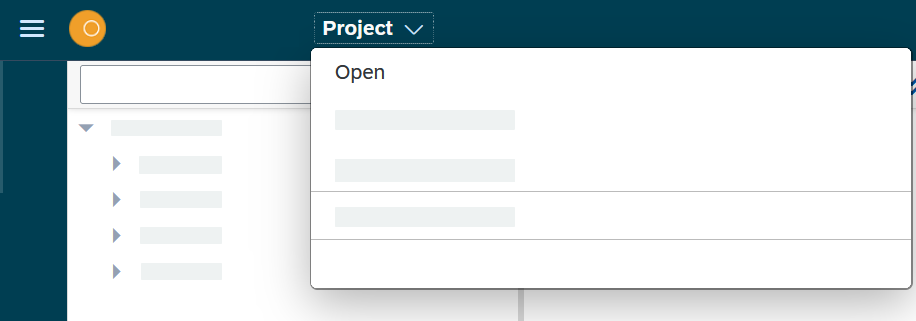
  2. On the toolbar, select Project > Open.

    script editor open

    Result: A new dialog with the list of available projects open.

  3. Select a project to open it.

Result

  • You opened an existing project and can start adding the scripts.

Was this page helpful?

What made the biggest difference for you?
What went wrong? (Your feedback helps us fix it.)

Please don't include personal or sensitive data.