Field catalog
Field catalog is a dynamic selection pane that offers lists of valid data sources in tabs that you can use as OpenUI5-based components objects to choose from to create your application. Drag and drop the component objects you want to use in your application to the Application tree.
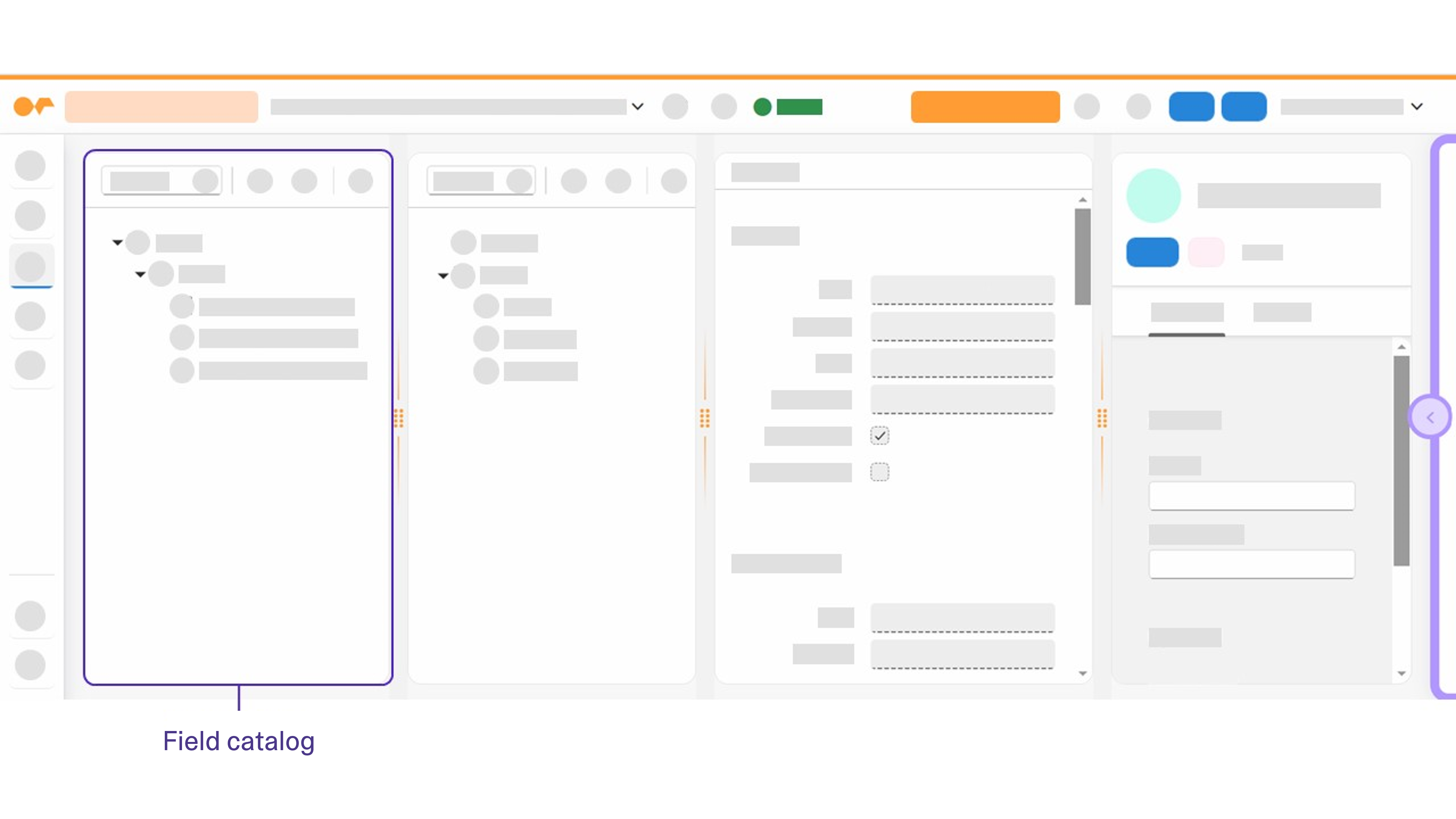
In the Adaptive Designer the displayed data sources depend on the data source you have chosen to create your adaptive application. Tabs of the field catalog panel hide when no option is provided for adding the fields in the adaptive template, for example, when there are no Form or Table data sources for the adaptive splitter/layout template.
You can show/hide the Field catalog pane in the Adaptive Designer by selecting Show Field Catalog in the Cockpit settings. When the Field catalog pane is hidden, you can add data sources directly from the Application tree.