Use a secret in the Script Editor
In the Script Editor context, the Vault enables you to securely manage and access sensitive data, such as API tokens, authentication credentials, or encryption keys, without ever exposing them directly in your scripts. Secrets are retrieved at runtime through controlled, encrypted access, keeping secret handling separate from the script logic. Only secrets explicitly enabled for Script Editor use are accessible, ensuring strict access control.
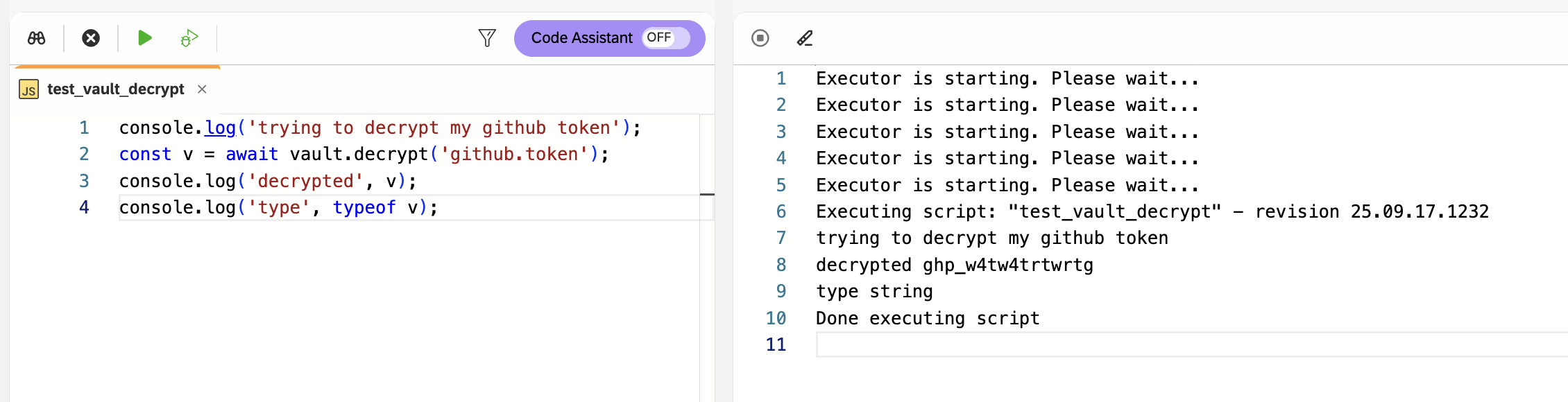
In this example, you retrieve and decrypt a GitHub token in the Script Editor
by calling the function vault.decrypt('<key.identifer>') → vault.decrypt('github.token').
Prerequisites
-
Your user has the Permission level Edit for the Vault in the Role tool.
-
The Use in script editor switch was turned on during secret creation.
Procedure
-
To fetch the
github.tokensecret from the Vault in the Script Editor, enter the following code:console.log('trying to decrypt my github token'); const v = await vault.decrypt('github.token'); console.log('decrypted', v); console.log('type', typeof v);Result: Execution is paused until the call returns a promise that resolves to the decrypted secret.
-
In the shell bar, run the script.