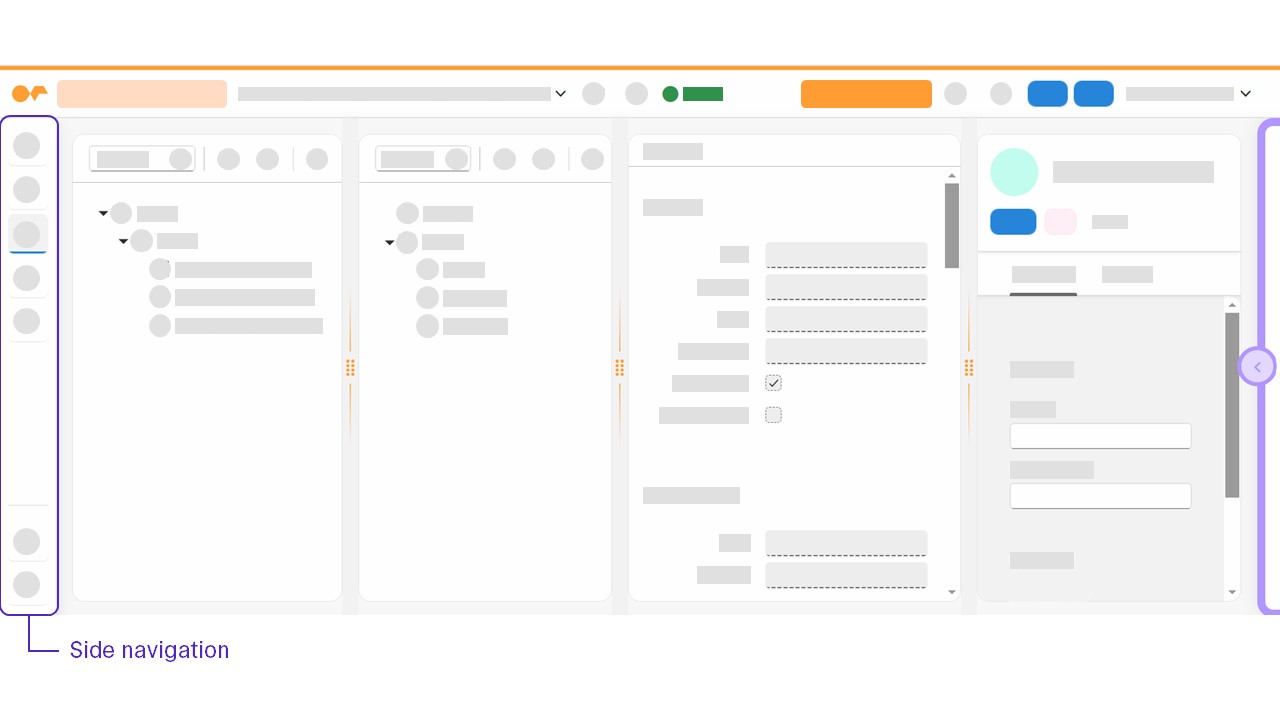
Side navigation
The side navigation displays navigation structures with up to two levels that link to different pages. It consists of two parts:
- Main navigation section
-
Upper part of the side navigation containing links to pages in the user’s current work context.
- Utility section
-
Lower part of the side navigation containing links to additional information, such as communities or documentation.
Main navigation section
The Adaptive Designer main navigation section links to the following pages:
- Settings
-
Configure your existing adaptive applications and adjust the following application settings:
-
General application settings such as the ID, Name, Description, and the adaptive template.
-
The data source
-
The package
-
- Designer
-
Create and edit your adaptive application. This is the default page that opens when you start the Adaptive Designer.
- Translation (Deprecated)
-
Translate your adaptive applications using the integrated translation API.
|
Deprecation of Translation option From Neptune DXP - Open Edition version 24.14.0, the Translation option is deprecated, and is replaced by the application of centralized so-called i18n (internationalization) binding of translatable attributes on the basis of global (system) i18n models in the i18n Text & Translation tool. Converting existing translations to i18n bindings If you have existing translations for your application in the Adaptive Designer, when you open the Translations page in edit mode, you are prompted to convert all existing translations to i18n bindings by associating the translations to an existing i18n model, or creating a new i18n model, that itself is assigned to a development package, if a development package is required for the i18n model at the system level.
For more information, see Bind attribute from a global i18n model to a component field |
- Data Flow
-
Display how your application is connected to other applications, adaptive applications, or scripts through events, tabs, or fields.
Utility section
The Adaptive Designer utility section links to the following additional information:
-
Neptune Community
-
Open UI5 homepage