Neptune DXP Documentation
Delete an existing user
In this topic, you learn how to delete an existing user.
Procedure
-
On the Cockpit, go to Security and click User.
Result: The list of existing users opens.
-
Click on the user you want to delete.
Result: The settings of the user open.
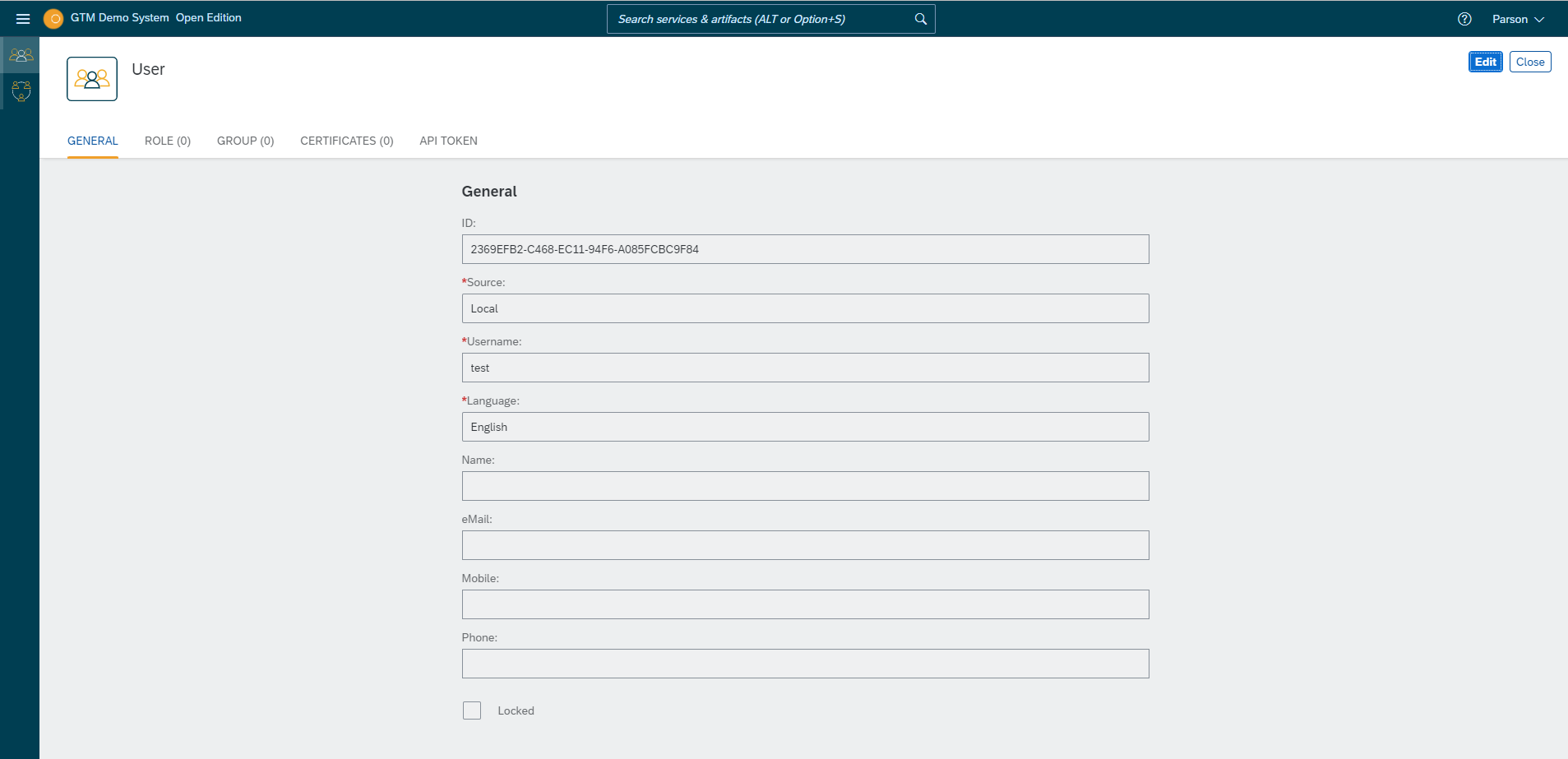
-
Click Edit.
Access might be restricted to you, in which case a corresponding dialog appears. Click Yes, it´s me, unlock or unlock the record in the Lock Entries service. -
Click the Delete icon.
-
Confirm you want to delete the user.