Neptune DXP Documentation
Set up a rule
In this topic, you learn how to set up a rule in the Rules Engine.
Procedure
-
On the Cockpit, go to Development and select Rules Engine.
Result: You see all rules available in the system.
-
Select Add.
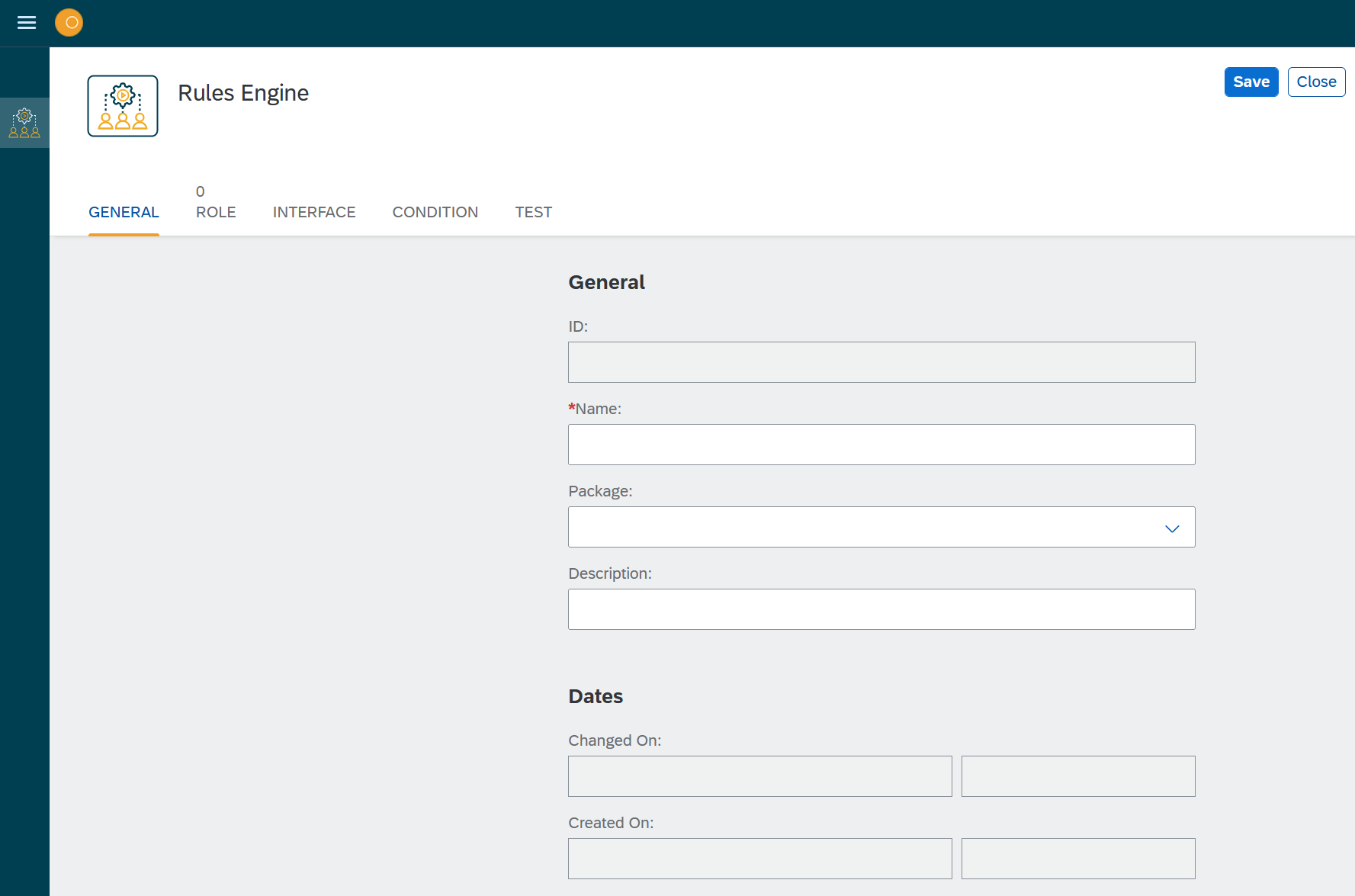
Result: A new wizard opens.
-
Enter a Name and a Description for your rule.
-
You can select a Package for the rule.
Selecting a package facilitates deployment by combining data from the same package. -
Select the Role tab.
-
Select +Add.
Result: A new window with all available roles in the system opens.
-
Select a role. Your rule will now only be available for users that have this role assigned.
You can use the Role service to define or change roles. -
Select Save. Result: Rules Engine adds an ID to your rules and saves change dates.
Results
-
You have made the initial setup for your role and can now start to add attributes and conditions.